As audiences join from offices, classrooms, homes, and venues around the world, an event livestream has to do more than send a picture to a screen. It must deliver clear sound, readable visuals, accessible content, and a dependable viewer experience, while supporting the goals of the event itself.
For corporate teams, universities, nonprofits, and live entertainment producers, the most common problems are often preventable. Here are seven mistakes that can undermine a broadcast, and practical ways to address them before showtime.
1. Treating audio as an afterthought
A visually impressive stream can still lose viewers if speech is hard to understand. A room microphone or camera-mounted mic may pick up echo, audience noise, or the PA speakers instead of clean presenter audio.
How to fix it: Plan a dedicated audio mix for the stream. The front-of-house mix is designed for the room; the webcast mix should be checked on the kinds of speakers people use online, including headphones, laptops, and phones. Test every microphone, playback source, remote guest, and Q&A handoff. Then listen to the actual audience-facing stream, not just the audio meters at the console.
For live music and performance, confirm that the stream mix suits the program and that any music or video used has the necessary permissions. For a leadership keynote or university lecture, prioritize clear, consistent speech.
If viewers can’t follow the sound, they can’t follow the story.
2. Assuming venue internet is ready for broadcast
Venue Wi-Fi may work for attendees while still being unsuitable for a production stream. A speed test taken before doors open also won’t show how a shared network performs under show-day conditions.
How to fix it: Ask the venue and your production team about a wired connection reserved for the stream, the expected upload capacity, network access requirements, and any restrictions on equipment. Test the connection at the venue with the production setup in place, and check stability under realistic conditions, not just a single speed-test result.
For a high-stakes broadcast, discuss a genuinely independent backup connection. A secondary route is only useful if it’s been tested and the crew knows how to switch to it. Confirm in advance who can approve network access and who makes the call if the primary path becomes unreliable.
Resilience comes from a tested plan, not a promising signal icon.
3. Calling equipment a backup before it’s ready
A spare encoder or camera in a case is not yet a failover plan. If it is unpowered, unconfigured, or missing the right signal path, it may not help when the primary system fails.
How to fix it: Match the backup plan to the consequences of an interruption. For a critical event, consider a configured backup encoder, a known-good program feed, protected power for essential equipment where practical, and local recording. If the backup needs its own network connection or a particular adapter, include that in the pre-show checklist.
Capture a local recording as well as the platform stream, and verify that it is recording before the event begins. That gives the team a separate source for the on-demand version if the live broadcast is interrupted.

Backup systems earn their value before the moment they’re needed.
4. Designing the video for the room instead of the remote audience
A stage view that works from the back of an auditorium may not work on a phone. Small slides, distant speakers, awkward camera framing, and bright screens behind presenters can all make the stream harder to follow.
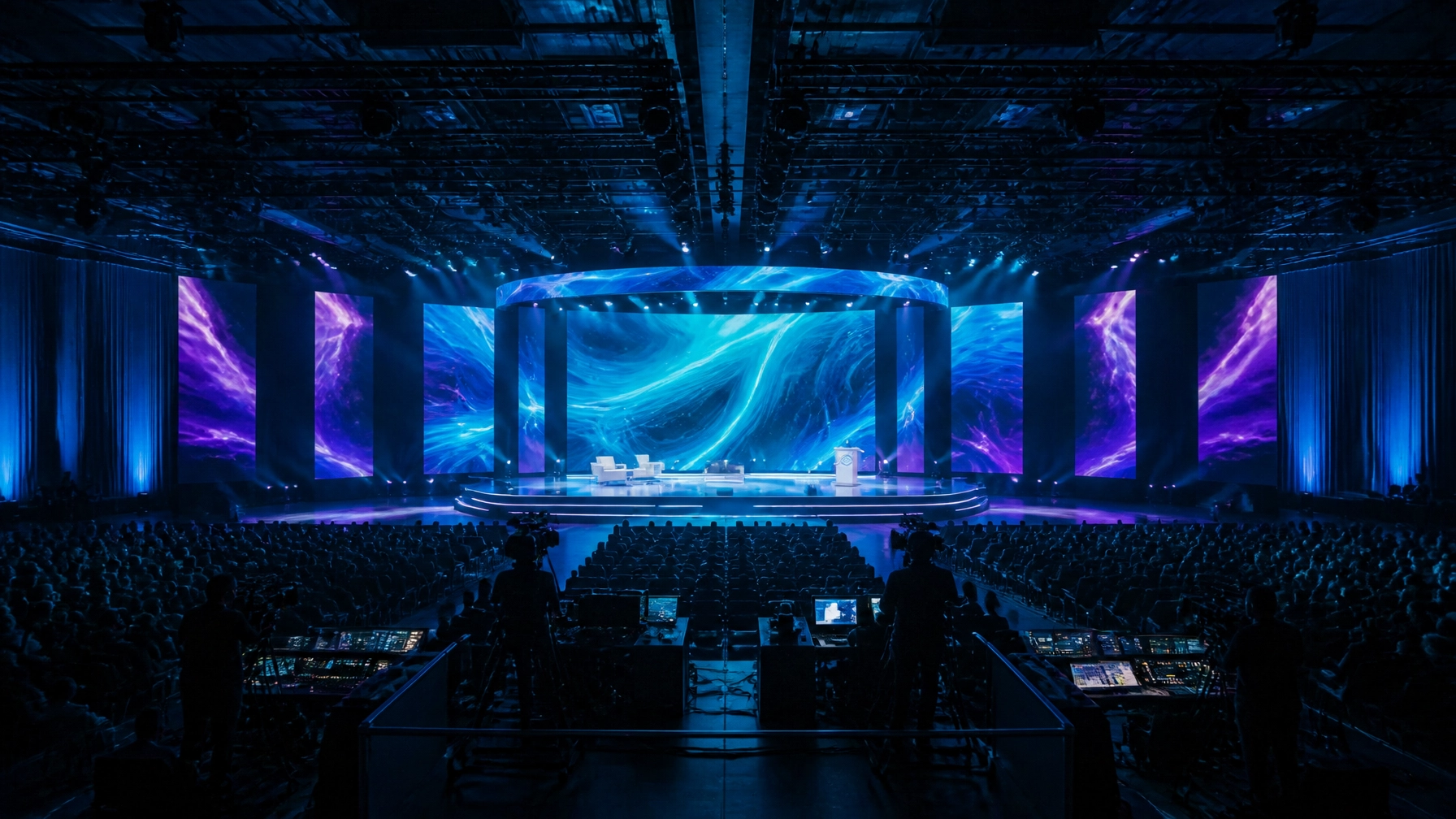
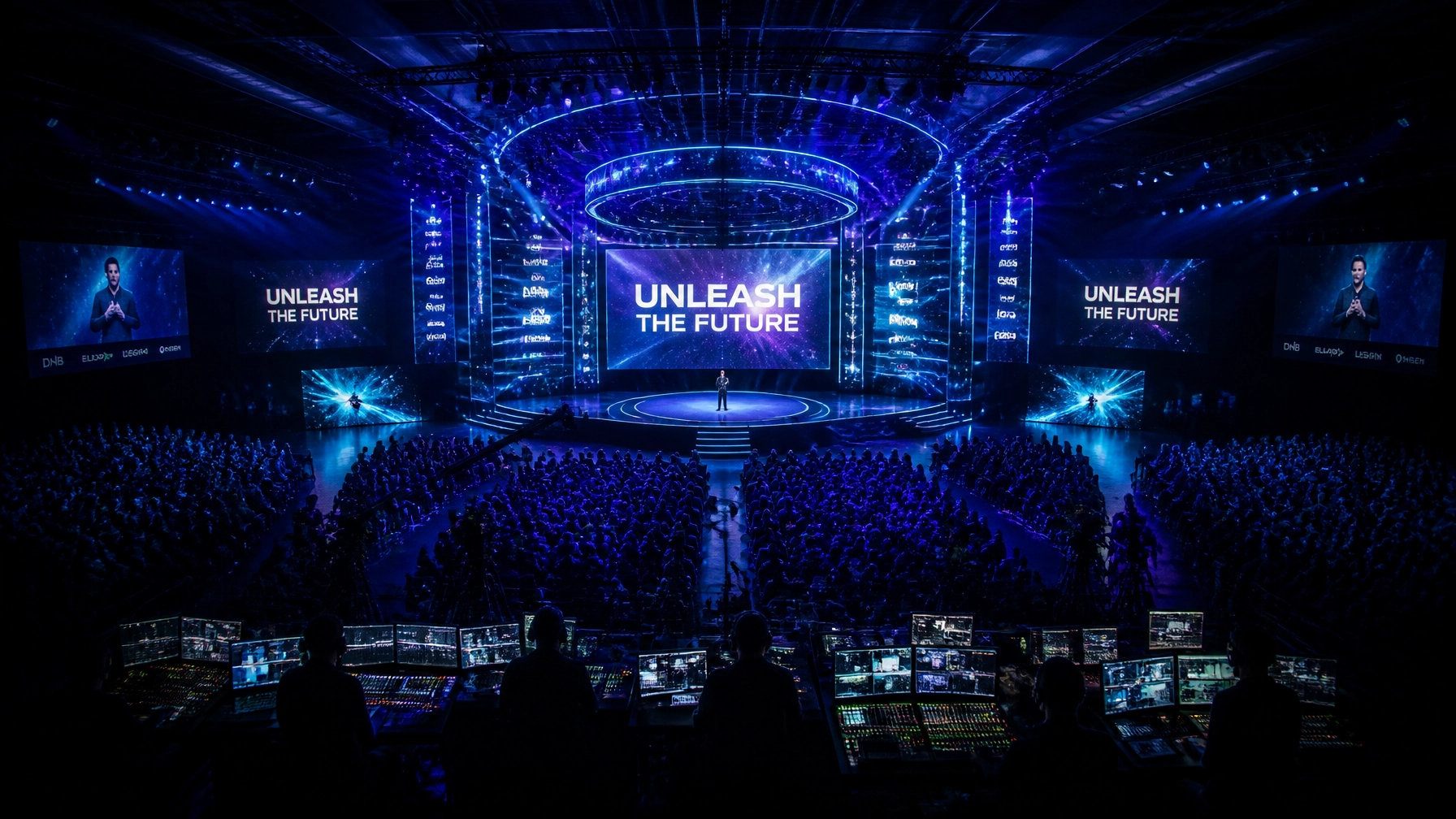
How to fix it: Include the remote viewer in camera, lighting, and stage planning. Check that slide text and graphics are legible at typical viewing sizes. Frame speakers intentionally, balance exposure between people and LED screens, and plan how presentations, lower-thirds, and picture-in-picture will appear in the player.
Test the complete viewing path: camera, switcher, encoder, platform, and audience device. A preview monitor in the control room cannot confirm that viewers will receive the intended picture and sound. A separate viewer test can also reveal playback or lip-sync issues before the broadcast.
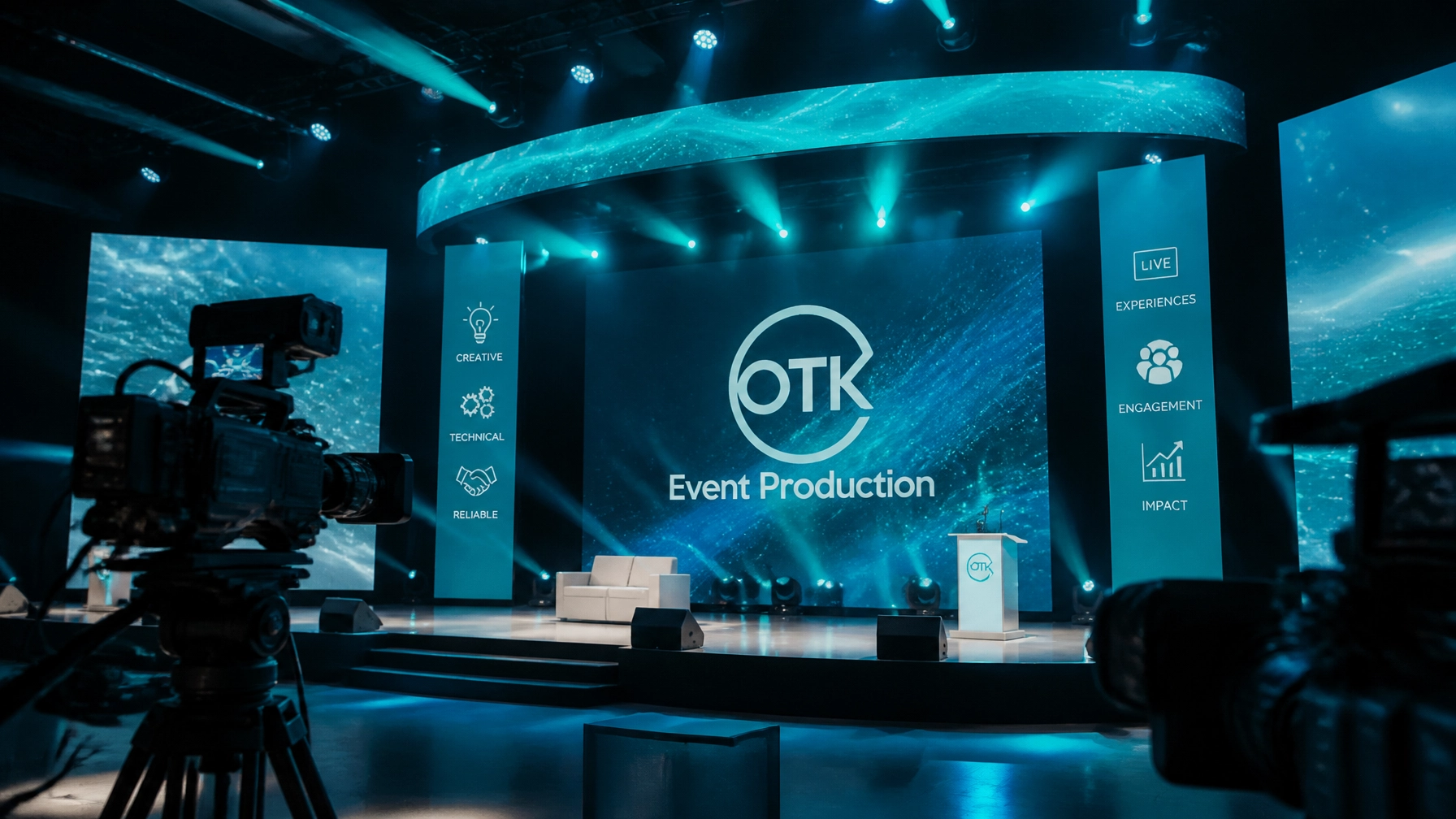
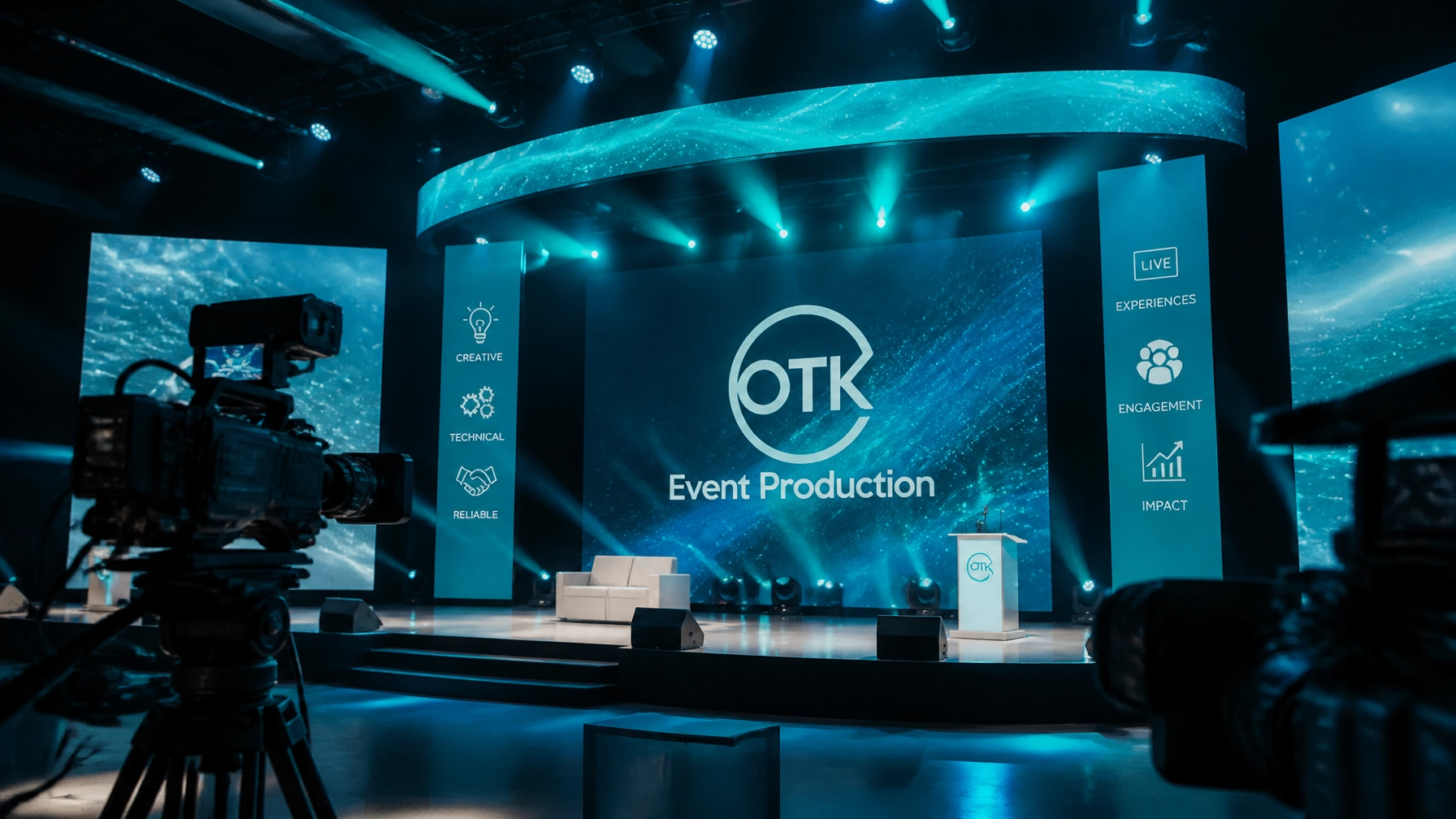
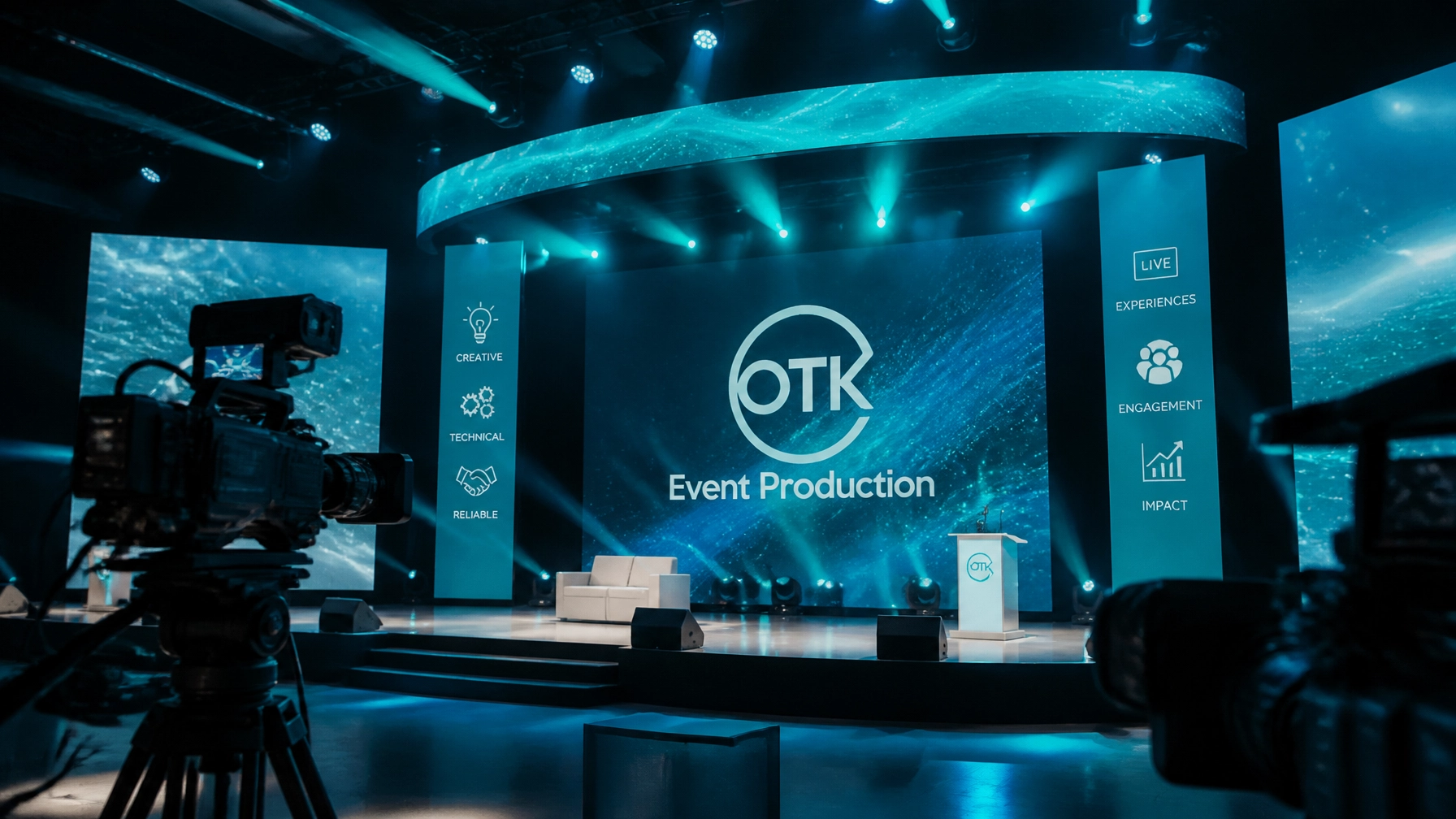
OTK’s event and A/V production services bring staging, lighting, technical management, and livestream planning together, helping teams consider how the physical show will translate on screen.
The online audience deserves a designed experience, not a distant seat.
5. Leaving captions and accessibility until the last minute
Captions, interpretation, and accessible player controls need to be planned into the program and signal path. Adding them late can make it difficult to confirm that they appear correctly for viewers.
How to fix it: Decide early whether the event needs live captions, interpretation, or other accommodations. Confirm who provides them, how they connect to the platform, and who monitors them during the show. Test captions in the actual player, including names, acronyms, speaker changes, timing, and mobile display.
The Section 508 guidance on synchronized media addresses captions for live synchronized media. For event organizers, the practical takeaway is to make accessibility part of production planning, not a post-production patch. Universities and public-facing organizations should also coordinate accommodation workflows with the teams responsible for their audiences.
An inclusive stream is planned for the audience that needs it.
6. Rehearsing pieces but not the whole show
Testing a camera, checking a speaker’s laptop, or confirming that the platform login works may feel like progress, but none of those steps checks the complete show under real conditions.
How to fix it: Run an end-to-end rehearsal in the venue with the actual microphones, cameras, slides, graphics, remote guests, captions, stream platform, and recording setup. Walk through the run of show: opening, speaker handoffs, videos, Q&A, transitions, and close. Make sure presenters know where to look, how to use their microphones, and how to handle a remote guest who joins late.
For a major broadcast, rehearse at least one recovery scenario, such as switching to a backup connection or continuing with a prepared slate. Microsoft’s live event production best practices also emphasize preparation and testing ahead of the event.

The real test is whether the entire program works together.
7. Failing to assign owners, monitoring, and fallback decisions
A technical setup can be sound and still falter if no one is responsible for watching the stream, managing questions, monitoring captions, or communicating with the audience when something changes.
How to fix it: Name the people responsible for show calling, audio, video and graphics, stream and encoder, platform moderation, accessibility, and venue coordination. For smaller productions, some people may cover more than one role, but each responsibility still needs a clear owner.
Have someone monitor the program output and a separate viewer session during the broadcast. Prepare a simple fallback, such as a holding slate and clear audience message, and establish how the crew will communicate if a problem occurs. A short written runbook can document the order of operations, backup contacts, escalation path, and decision-maker.
For corporate events, that plan may include access controls and confidential content. For nonprofits, it may include donation links and audience questions. For entertainment, it may cover performance cues, transitions, and recording checks.
Clarity backstage creates confidence on screen.
A better livestream starts before show day
Livestream success is not just a platform choice or a camera package. It depends on aligning the event’s purpose, audience, venue, creative direction, technical requirements, accessibility needs, and content plan.
Before requesting a production quote, clarify what viewers should be able to do: watch a keynote, join a Q&A, participate in a hybrid meeting, or return to recorded sessions afterward. Then ask prospective partners how they handle venue connectivity, audio mixing, rehearsals, backups, captions, monitoring, and content delivery. A complete scope makes it easier to compare proposals and spot gaps early.
OTK Event Production offers conference and livestream solutions alongside creative direction, technical management, lighting, staging, and content capture. When those elements are coordinated from the outset, the event can serve both the room and its remote audience with greater consistency.
For organizations shaping a must-attend gathering, the next step is a production conversation grounded in the venue, audience, program, and risks. Contact OTK Event Production to plan a livestream built around the experience viewers need, and the outcomes the event is meant to deliver.